Design 3D-printable keyrings in a familiar editor
A document-style workspace: customise text, fonts, shapes and colours from the ribbon, preview your model live in 3D, and export print-ready files in seconds.
- 4
- export formats
- 7+
- starter templates
- 0
- uploads · all local
 Alex.keyring
100% in your browser
Geometry, preview and export all run client-side. No CAD, no signup, nothing uploaded.
Watertight meshes
Every model is built from solid Manifold geometry, so prints slice cleanly the first time.
True multi-colour
Each layer keeps its own colour and exports as 3MF with per-part filament mapping.
Live 3D preview
Orbit, zoom and read real dimensions and material estimates as you type.
From idea to print in three steps
No modelling skills needed — the editor does the geometry for you.
Pick a template
Start from a name tag, gamer tag, QR code, logo and more.
Customise in the ribbon
Edit text, fonts, dimensions and colours — with a live 3D preview.
Export print-ready
Download STL, OBJ, GLB or multi-colour 3MF in a click.
Template library
Pick a starting point — every template is fully customisable.

Name Keyring
A personalised bar keyring with a name embossed or engraved across it.
Customise →
Initial Keyring
A bold monogram tile featuring one or more initials.
Customise →
Luggage Tag
A luggage-tag style keyring with a reinforced top tab.
Customise →
Circular Keyring
A round disc tag with text and an optional raised rim.
Customise →
Rectangular Keyring
A classic rectangular tag with fully adjustable width and height.
Customise →
Logo Keyring
Emboss or engrave an uploaded SVG or PNG logo onto a disc or tile.
Customise →
QR Code Keyring
A scannable QR code keyring encoding a link, contact or message.
Customise →
Custom Artwork Keyring
Upload an SVG or PNG and turn its outline into a 3D-printable keyring shape.
Customise →
Gamer Tag — Classic Red
An angular esports name tag with bold red slash accents.
Customise →
Gamer Tag — Blue Strike
An angular esports name tag with electric-blue slash accents.
Customise →
Gamer Tag — Military
A clean olive dog-tag with a tan star roundel and command bars.
Customise →
Gamer Tag — Racing
A sleek racing tag with orange speed stripes and a checkered-flag trail.
Customise →
Gamer Tag — Hazard
A black tag with yellow caution stripes and a gray tech panel.
Customise →
Gamer Tag — Outdoor
An angular name tag with a mountain range and pine trees.
Customise →
Gamer Tag — Hex Tech
An angular name tag with a honeycomb tech cluster.
Customise →
Street Plate Tag
A bold license-plate style name tag with diagonal slash accents.
Customise →
Summit Tag
A bright hexagon banner with a mountain-range silhouette.
Customise →
Star Badge Tag
A round badge with concentric rings and a row of stars.
Customise →
Crown Tag
A regal tag crowned with a copper emblem and twin borders.
Customise →
Script Tag
A flowing hand-lettered script name on a contoured plate.
Customise →
Lightning Bolt Tag
An electric lightning-bolt tag with charged green accents.
Customise →
Heart Tag
A love-heart tag with a raised inner rim, a script heart mark and your name.
Customise →
Arrow Tag
A forward arrow tag with chevrons and crisp edge lines.
Customise →
Circuit Tag
An angular hex tag with a split white/blue circuit outline and tech ticks.
Customise →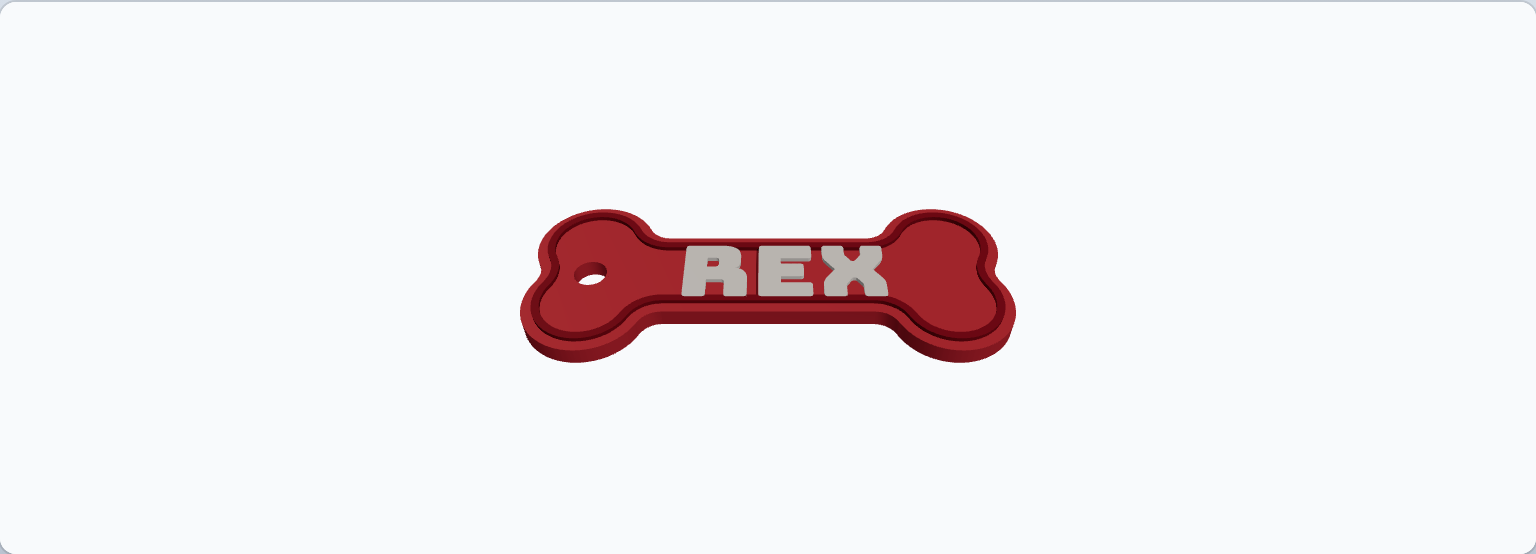
Dog Bone Tag
A classic dog-bone pet tag with your pet's name and a raised rim.
Customise →
Paw Print Tag
A round pet tag with a big raised paw print above your pet's name.
Customise →
Cassette Tag
A retro mixtape cassette with a label panel, tape window and corner screws.
Customise →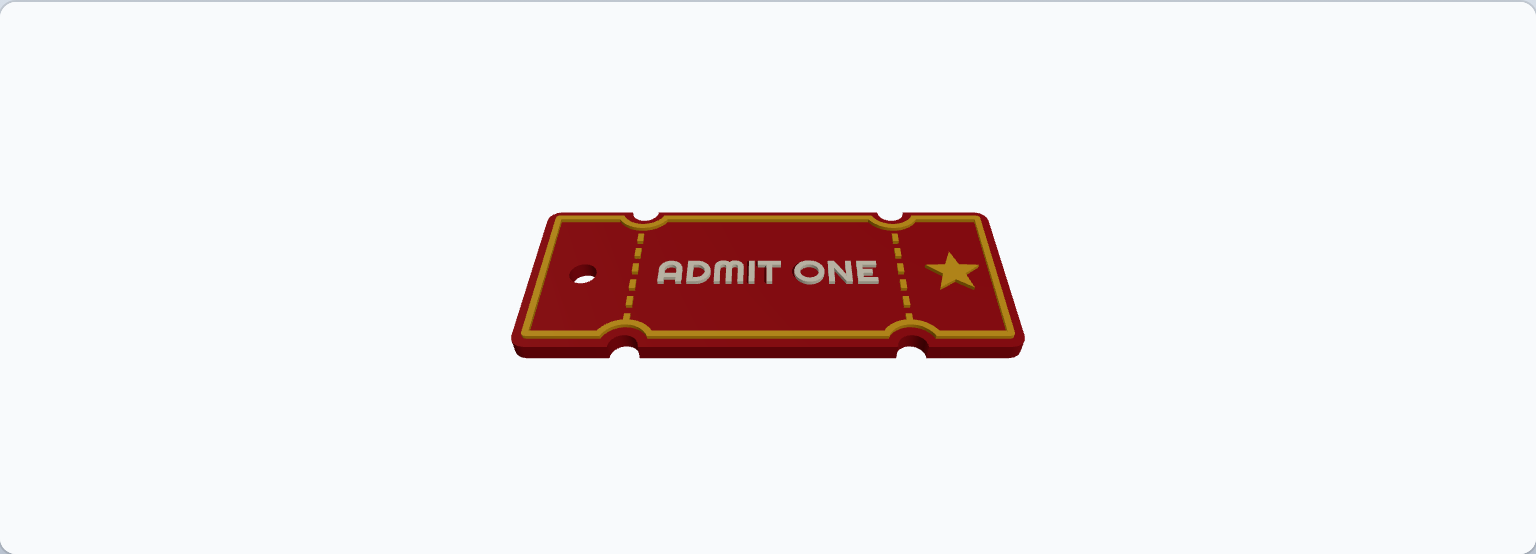
Ticket Tag
A carnival admit-one ticket stub with perforated tear lines and a star.
Customise →
Make your first keyring in the next five minutes
Open the editor, type a name, pick your colours and export. No account required.
Open the editor